什么是 AutoInvest?
AutoInvest 是一项 让您实现投资自动化的功能, 您可以在 Maclear 上通过设置自定义策略, 基于您的个人偏好 (国家/地区、风险等级、利率)。当符合条件的投资项目上线时,系统将自动为您进行投资,不仅为您节省时间,还能让您抢先获取投资机会。
目前,AutoInvest 仅向已完成 地址证明 (POA) 和 A 表格的投资者开放。 如果您尚未完成这些步骤,请按照发送至您邮箱的说明进行操作。这些文件是确保投资过程安全合规的必要条件。
不久后,POA 和 A 表格也将直接在平台上提供,让每位用户都能快速、顺畅地完成 AutoInvest 设置。
感谢您的耐心等待,我们正在不断优化该功能,致力于为您提供全面自动化且安全的投资体验。
优势
- 投资更迅速 优于手动操作 — 让您始终处于队列首位。
- 解放双手 — 无需时刻紧盯平台。
- 策略驱动 — 您的偏好始终优先。
运作方式
当新项目被标记为可投资且管理员开启“自动投资”开关时,系统会自动执行以下操作:
— 检查所有活跃的用户策略
— 构建符合条件的投资者队列
— 在手动投资者访问项目之前分配投资金额
💡 如果您的策略是在项目上线后创建的,您将不会被纳入该项目的自动队列。
开始之前
要访问并使用自动投资功能,请确保完成以下步骤:
- 您已签署地址证明 (POA)
- 您已提交 A 表格
这些步骤至关重要, 旨在激活完整的投资功能并确保符合瑞士法规。如果未完成这些步骤,您的自动投资策略将无法激活。
入门指南
- 前往您的 Maclear 账户
- 设置策略:
— 选择国家/地区、风险等级、利率
— 设定投资金额
— (可选)创建策略后自动启用 - 保存并启用
同一时间只能有一个处于启用状态的策略。
创建您的策略:分步指南
以下是在 Maclear 上设置自动投资策略的方法:
1. 创建后启用
在表单顶部,您会看到一个切换开关:
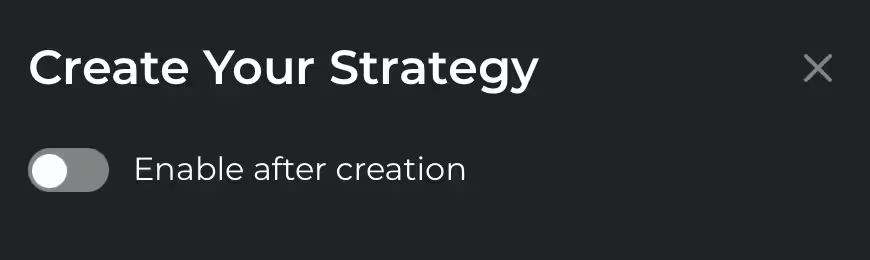
启用 — 如果您希望新创建的策略在保存后立即生效,请开启此项。
注意: 同一时间仅允许存在一个启用状态的策略。如果您开启此选项,之前启用的策略将自动停用。
保持禁用 — 这会将策略保存为草稿,而不会将其激活。
注意: 在这种情况下,您之前的策略将保持启用状态;如果之前未选择任何策略,则不会有任何策略处于启用状态。
2. 命名您的策略
在“策略名称”字段中:
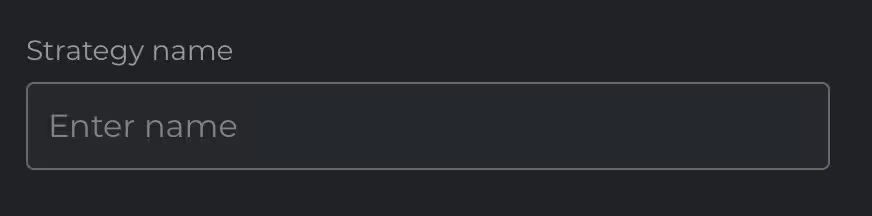
- 为您的策略起一个清晰且个性化的名称(例如“低风险欧元区”)。
3. 设置投资金额
在“投资金额 (€)”部分:
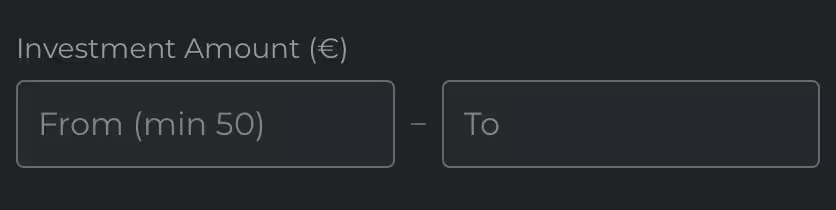
- 设定您希望在单个项目中投资的最低和最高金额。
- 最低投资额为 50 欧元。
示例:
从:100 — 至:500
这意味着自动投资功能将为每个匹配的项目分配 100 至 500 欧元之间的任意金额。
4. 设置您的利率偏好
在“利率(起始百分比)”字段中:
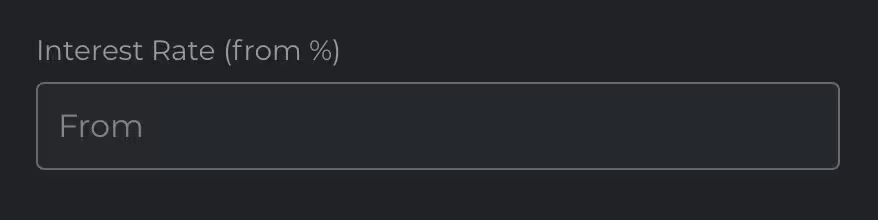
- 输入您希望投资的项目所能接受的最低利率。
示例:
从:12
这指示系统仅匹配年利率为 12% 或以上的项目。
5. 定义贷款期限范围
在“贷款期限(月)”部分:
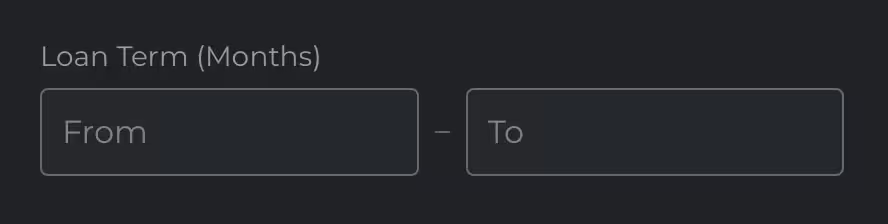
- 选择您能接受的贷款期限范围(以月为单位)。
示例:
从:6 — 至:24
系统将仅考虑贷款期限在 6 到 24 个月之间的项目。
请注意, 目前大多数 Maclear 项目的期限都在 12 到 16 个月之间,因此我们建议您设置的范围至少涵盖此区间,以获得更好的匹配结果。
6. 选择风险等级
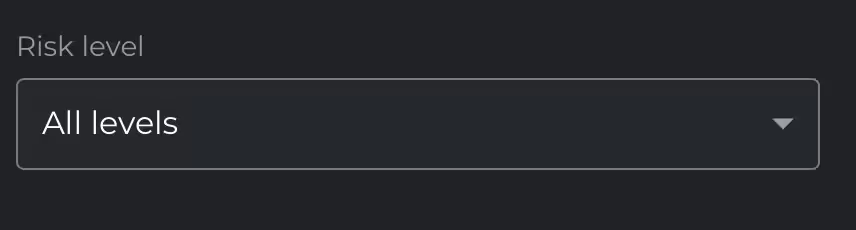
在“风险等级”下拉菜单中:选择您偏好的信用风险配置,或者如果您希望获得最大化敞口,请选择“所有等级”。
Maclear 使用 投资级信用评级 ,范围从 D(违约)到 AAA(卓越):
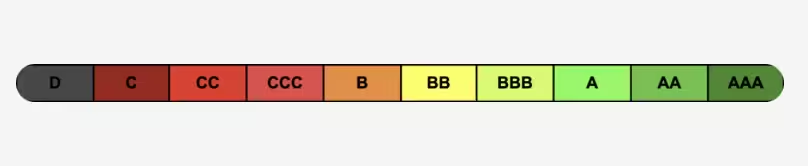
系统将仅匹配符合您所选风险类别的项目。
7. 国家/地区
按地理位置筛选。
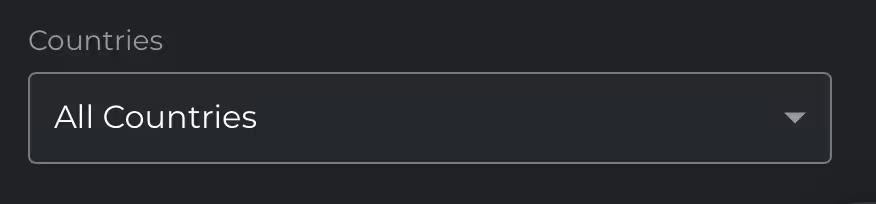
您可以选择仅投资特定国家的项目,或选择“所有国家/地区”。
注意: Maclear 目前的借款人来自欧洲多个国家及阿联酋,且我们正在持续扩展中。
8. 项目类型
选择您的策略应投资的业务活动类型。
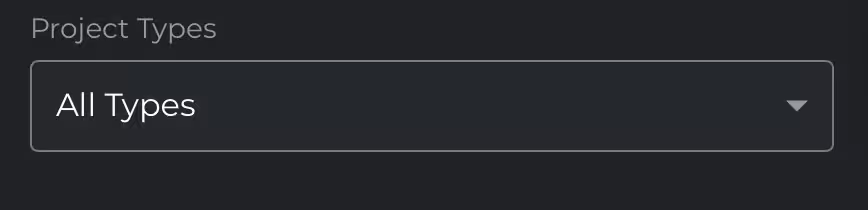
Maclear 列出了涵盖各行各业的项目。您可以锁定特定行业,或选择“所有类型”以实现更广泛的多元化配置。
以下是可用类别的完整列表:
- 制造业
- 制造/生产
- 生产
- 生产/批发
- 零售
- 批发与服务
- 服务
- 物流/运输
- 建筑/服务
- 农业
- 贷款发起人
注意: 选择特定类型有助于让您的投资组合与您更了解或更信任的行业保持一致。例如,一些投资者偏好拥有实物资产的生产型企业,而另一些投资者则看重服务或物流行业的高增长潜力。
保存您的策略
填写表格后:

- 点击“保存”以完成策略设置。
- 如果您已启用自动激活,该策略将立即生效。
- 如有需要,您可以随时停用或删除该策略。
Frequently Asked Questions
Can I still invest manually if AutoInvest is on?
Yes. Manual and automated investments can run in parallel.
What if multiple projects match my strategy at the same time?
Projects are activated one by one. AutoInvest places your full defined amount into each matching project at activation — no splitting between simultaneous projects.
Why didn't my strategy work for a certain project?
Some common reasons for missing a project:
- The project was funded before your position in the queue
- Your strategy didn't match the project
- The project wasn't marked as AutoInvest-enabled by admins
Can I deactivate or pause my strategy?
Yes. You can deactivate and reactivate it later without creating it from scratch.
Can I edit an active strategy?
Not at the moment, strategy editing is disabled during this phase.
What if I disable my strategy just before AutoInvest activates?
If it's before the queue is built, you'll be excluded. If it's after the queue is built, your investment will still go through.
Can I cancel an AutoInvest after it happens?
No. Like manual investments, it's irreversible, but you may be able to sell on the secondary market after the funding round.
Will I be notified when AutoInvest happens?
Not yet, but you can see all investments in My Investments, marked with an "Auto" badge.
Is there a limit to how many projects my strategy can invest in?
No hard cap — your strategy will activate for any matching project, as long as you have available funds and your strategy is active.
Does AutoInvest qualify for bonuses or cashback?
Yes. You receive the same bonuses as with manual investments (e.g. welcome bonuses, cashback campaigns).
Does Maclear support AutoReinvest?
Not at this time.
Can I see a list of projects that match my strategy before investing?
Currently not available. This is to avoid confusion and keep the feature simple for users.
Can I subscribe to alerts for matching projects without AutoInvest?
No. Only AutoInvest executes automatically. There's no passive alerting system at this time.